Prerequisites
 |
| 
Configure identity, certificates, and app registrations required to provision a TeamViewer DEX Platform instance, including IdP setup, keys, and tenant details.
Identity Provider requirements
You will need the following:
-
A tenant in one of the following IdP:
-
Microsoft Entra ID
-
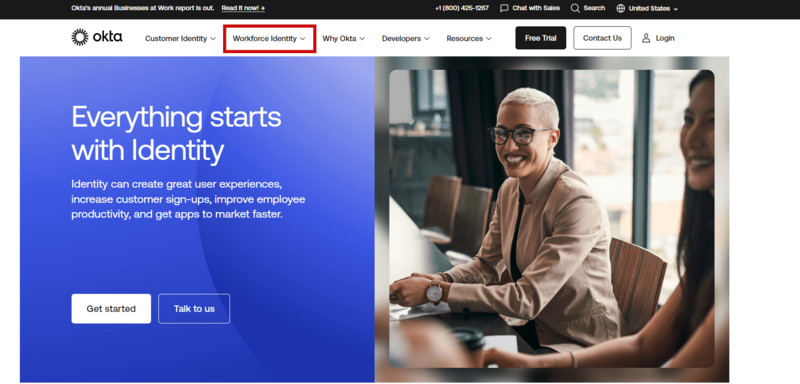
Okta
The Platform is only supported on the Workforce Identity version. The Customer Identity version - which is Auth0 under the hood - is not supported.
-
-
An IdP account that will be set as the Principal Platform user (the first user of the Platform, assigned the Full Administrator role, and a System principal, which means that they cannot be deleted or modified).
You should create this user specifically for this purpose, treat it like a service account, and disable it after first use.
A user who can log on using the principal user account will need to be available at a certain stage of the upgrade or new instance provisioning to test the 1E Platform instance.
Application registration
For both new instances and upgrades from non-IdP versions of the Platform, you will need:
- Three new App Registrations in your IdP.
-
To create new App Registrations, and assign and grant permissions in your IdP. This should be completed by someone in your organization who has sufficient admin rights, such as a Global Administrator in AAD, or a Company Administrator in Okta.
For details about configuring these applications for your Platform refer to Identity Provider setup.
Certificate preparation
For new Platform instances, you will need to request from your certificate administrator:
- A Base-64 encoded certificate (.PEM) file which contains the whole chain of trust including the Root CA(s) and any intermediate CA(s) that provide certificates to the clients you want to manage.
- The provided PEM has Certificate Revocation List Distribution Point(s) referenced.
- The Certificate Revocation List Distribution Point(s) are reachable from the Internet.
Platform configuration values
You will need to provide the following to your Account Team:
- The application IDs for the new applications you will create.
- The OpenID Connect (OIDC) metadata document for your IdP.
- Your Tenant ID.
- The name of the IdP account that will be used as the Principal Platform user.
- The name for your new instance (upgrades will keep the previous name).
Due to restrictions in Azure, the name for your new instance cannot start with a number. The actual pattern definition used for names is:
^[a-z][a-z0-9-]{1,58}[a-z0-9]$
Post-provisioning you will be provided with a URL that contains the DNS name for your Platform portal. You will need to whitelist this portal so that it is accessible from your network. Once you have the prerequisites in place you can request a Platform instance, to do this you must contact your Account Team. They will then start the process of provisioning a new instance for you.