Section 508 compliance


Version 9.2 focuses on accessibility improvements, including significant UI updates. It supports the publication of a Voluntary Product Accessibility Template (VPAT) that demonstrates conformance with Section 508 standards.
A VPAT (Voluntary Product Accessibility Template) is a standardized document that explains how well a technology product or service conforms to accessibility standards such as WCAG, and Section 508. The Platform is designed so that users with visual impairments and other disabilities can work as effectively as anyone else. This is achieved through:
-
Screen reader compatibility: Full support for text-to-speech assistive technologies.
-
Sufficient color contrast: Interface elements that meet contrast standards for readability.
-
Clear, consistent labels: Predictable naming conventions across all controls and features.
-
Optimized text spacing: Layouts that remain functional when users adjust text size or spacing.
-
Keyboard navigation: Complete functionality without requiring a mouse.
These features ensure assistive technologies can accurately interpret and present content, so all users can interact with TeamViewer confidently and independently.
These improvements are available starting with Platform version 9.2. If you use an earlier Platform version, you must upgrade to version 9.2 to benefit from these enhancements.
Switching between standard and accessible UI
The 9.2 Platform installer does not include an option to enable accessibility features during installation. Instead, it installs both the standard UI and the accessibility-enabled UI on the server.
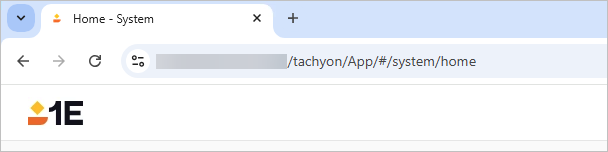
By default, you can access the standard interface at /tachyon/App, for example:
https://<server>/tachyon/App/
If you require accessibility features, you can access the VPAT-aligned UI at /tachyon/AccessibleApp/. For example:
https://<server>/tachyon/AccessibleApp/
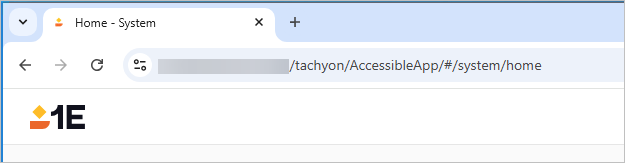
This URL provides an alternative experience with an updated color palette and accessibility enhancements.
If the accessibility URL does not load as expected, verify that the path is correct. For example, while /tachyon/App should resolve successfully, the following paths will not resolve correctly:
/tachyon/accessibility/
/App/tachyon/accessibility/
Use the exact format:
https://<server>/tachyon/AccessibleApp/
Color contrast
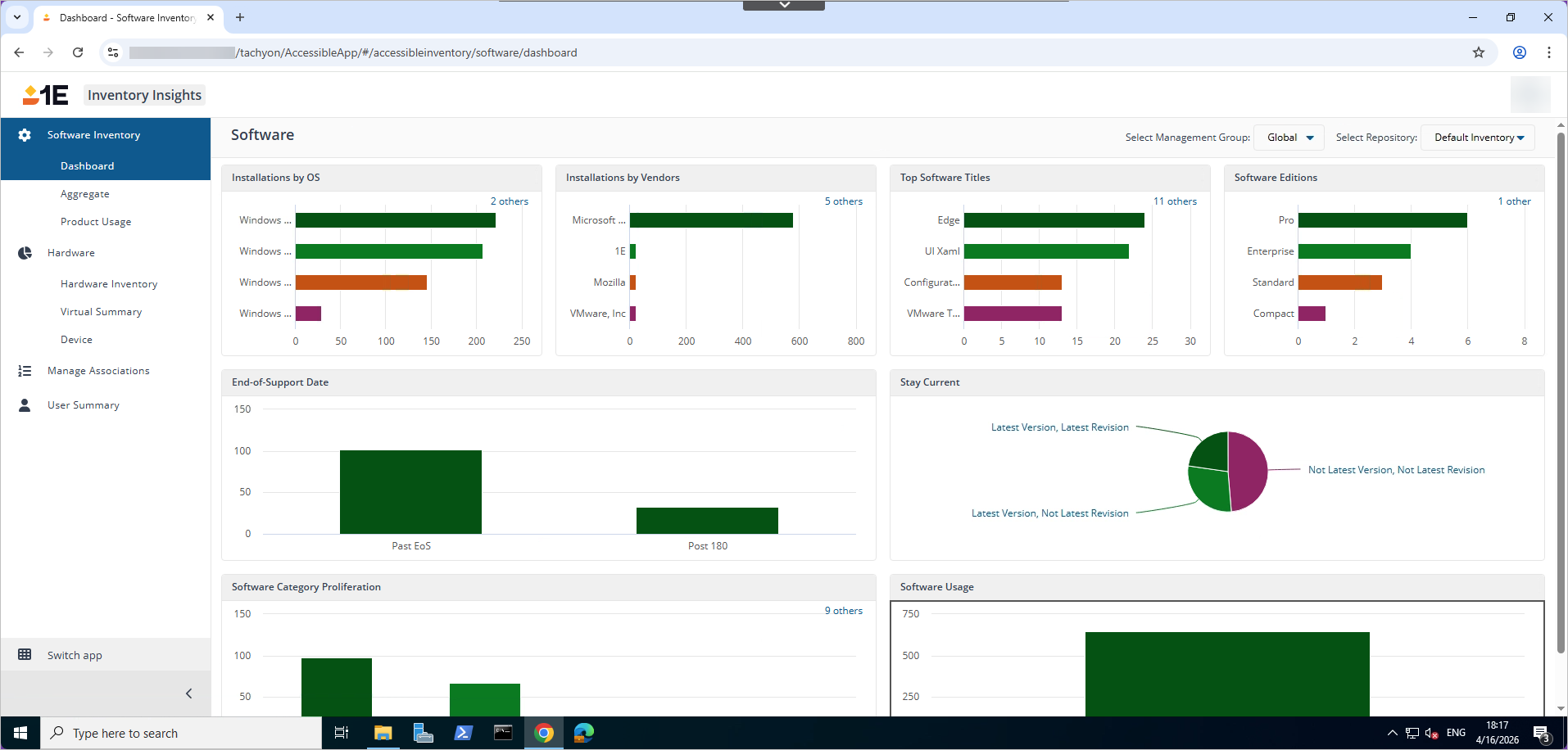
In the Platform all text, icons, and interactive elements meet WCAG AA color contrast requirements (minimum 4.5:1 for text) to ensure readability for users with visual impairments. These standards help the Platform maintain an accessible interface and support compliance with Section 508.
Keyboard accessibility
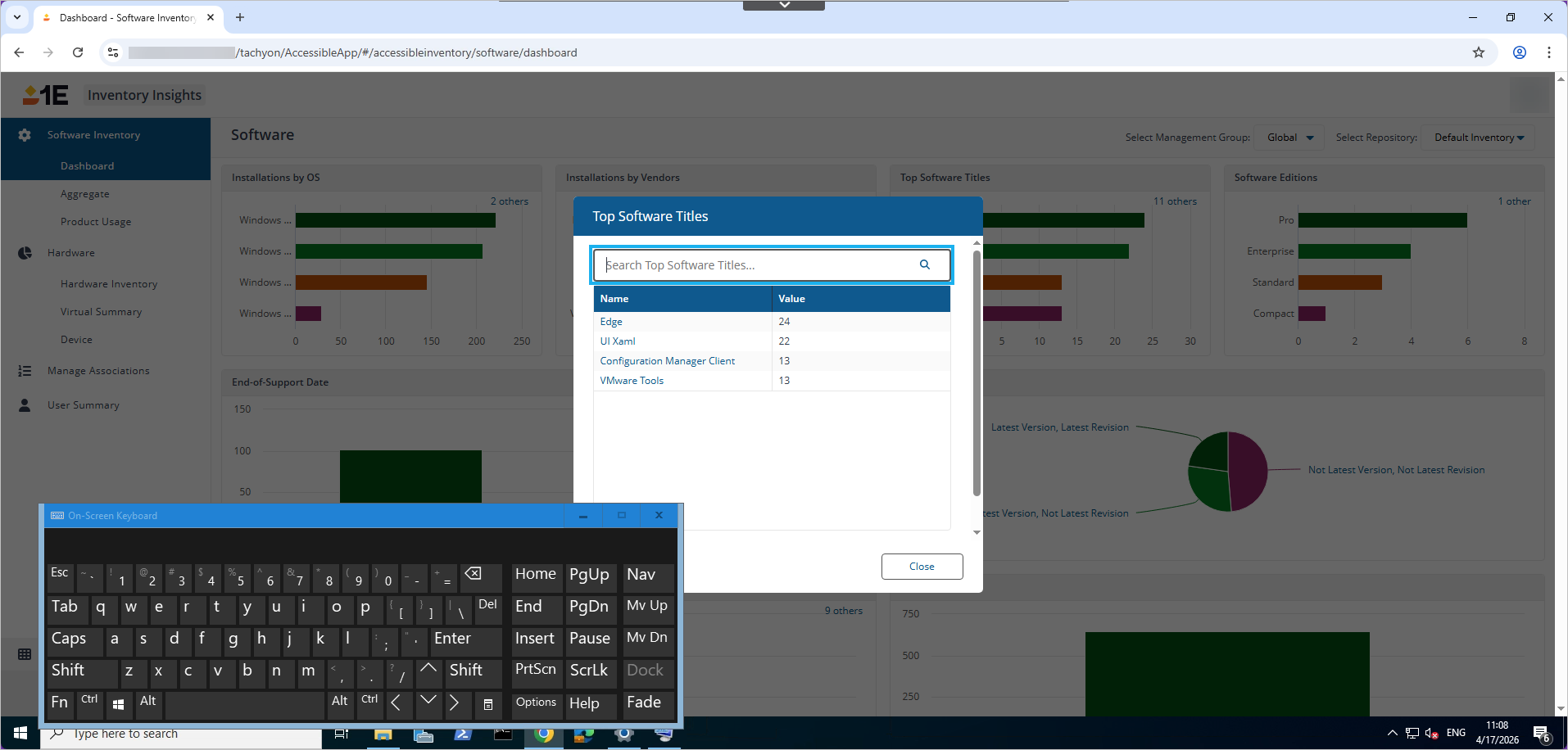
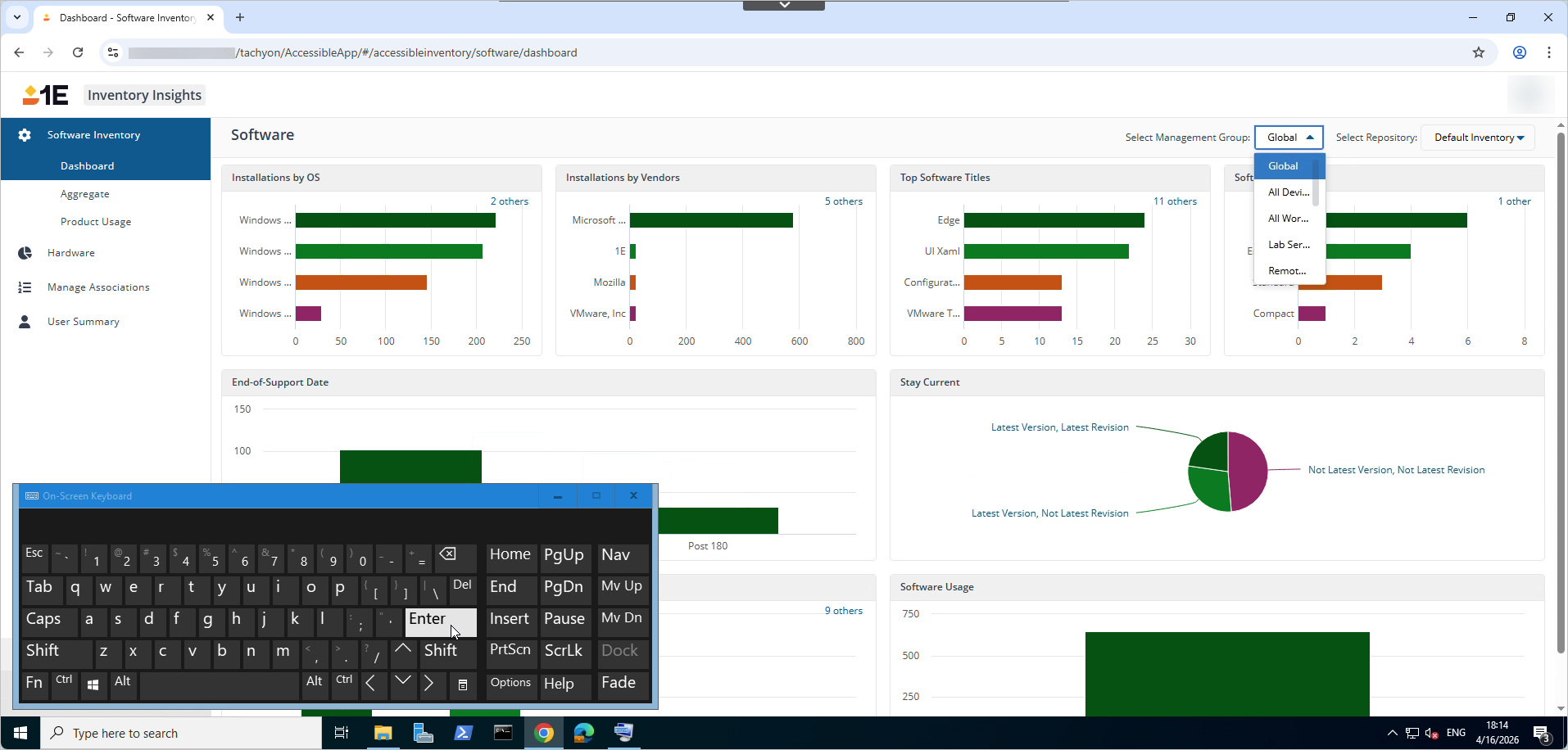
Keyboard accessibility ensures that all interactive elements and navigation flows are fully operable using only a keyboard, without requiring a mouse. The Platform provides a logical and predictable focus order, visible focus indicators, and no keyboard traps, enabling users with motor disabilities to effectively navigate and interact with the software . These features help meet Section 508 standards and support an inclusive, accessible user experience.
Screen reader accessibility
Platform screen reader accessibility ensures that all user interface components are fully accessible, enabling users with visual impairments to navigate, understand, and interact with the application effectively.
The Platform provides accessible labels and alternative text for images, exposes chart data in tabular format, and supports leading screen readers such as JAWS and NVDA. UI elements are implemented using semantic HTML, proper ARIA roles, keyboard navigation, descriptive labels, visible focus indicators, landmark regions, and skip links. All components meet WCAG AA contrast requirements and Section 508 standards, verified through both manual and automated accessibility testing.
Zoom levels
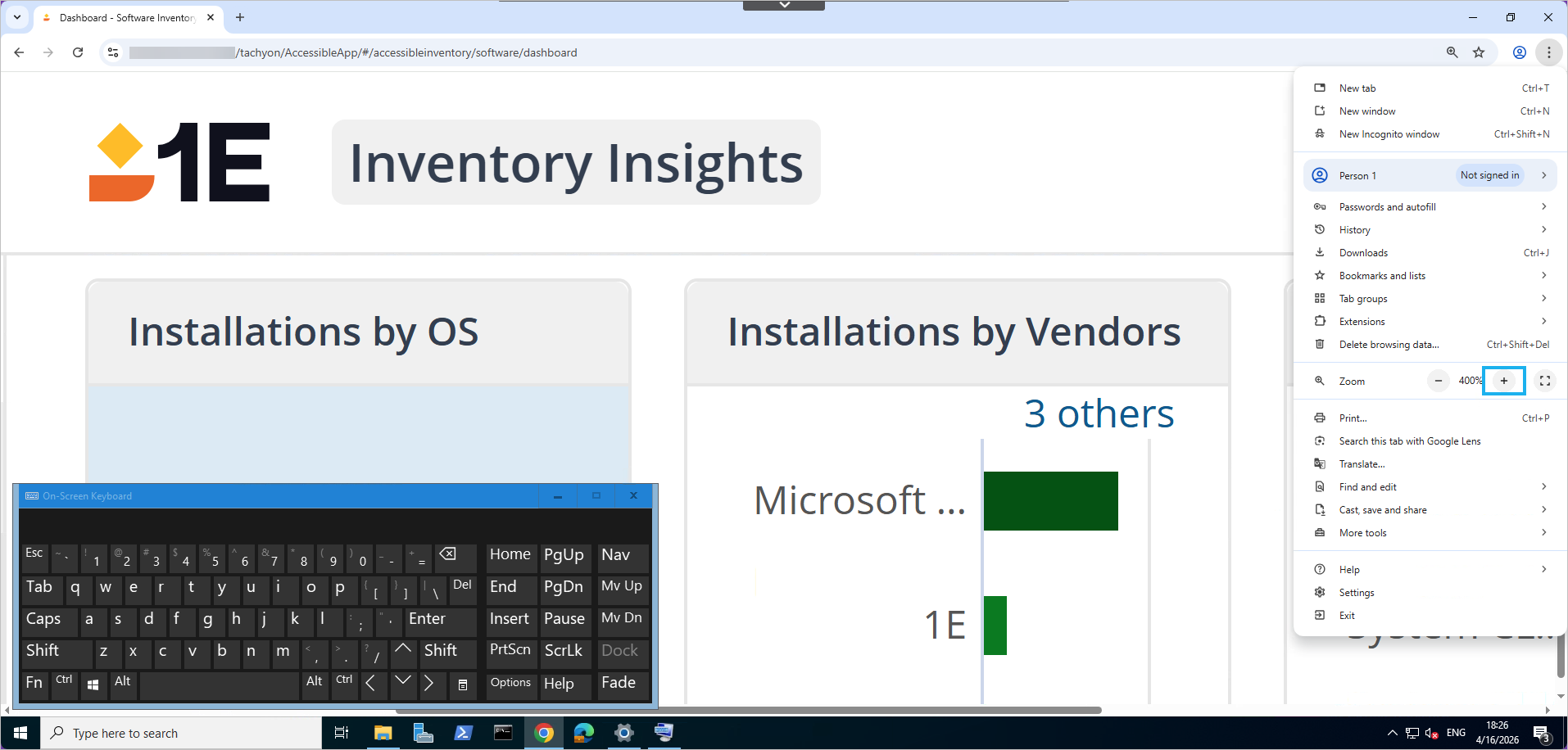
The application supports browser zoom up to 400% without loss of content or functionality, maintains readability with adjusted text spacing and remains fully operable across responsive layouts, conforming to Section 508 accessibility requirements.
Page content reflows appropriately when users adjust zoom levels or apply text spacing, without causing a loss of information or functionality, including misalignment, overlapping, or truncation, thereby ensuring accessibility for users with low vision.
Charts
Every chart now includes an alternate tabular view that is fully accessible using the combination 'Ctrl + Alt + K', allowing users to read the data with screen readers and navigate using a keyboard. Colors used in graphs provide sufficient contrast, and dynamic charts expose underlying data so screen reader software can access and read it aloud, ensuring accessibility for users with visual impairments.