License information
 |
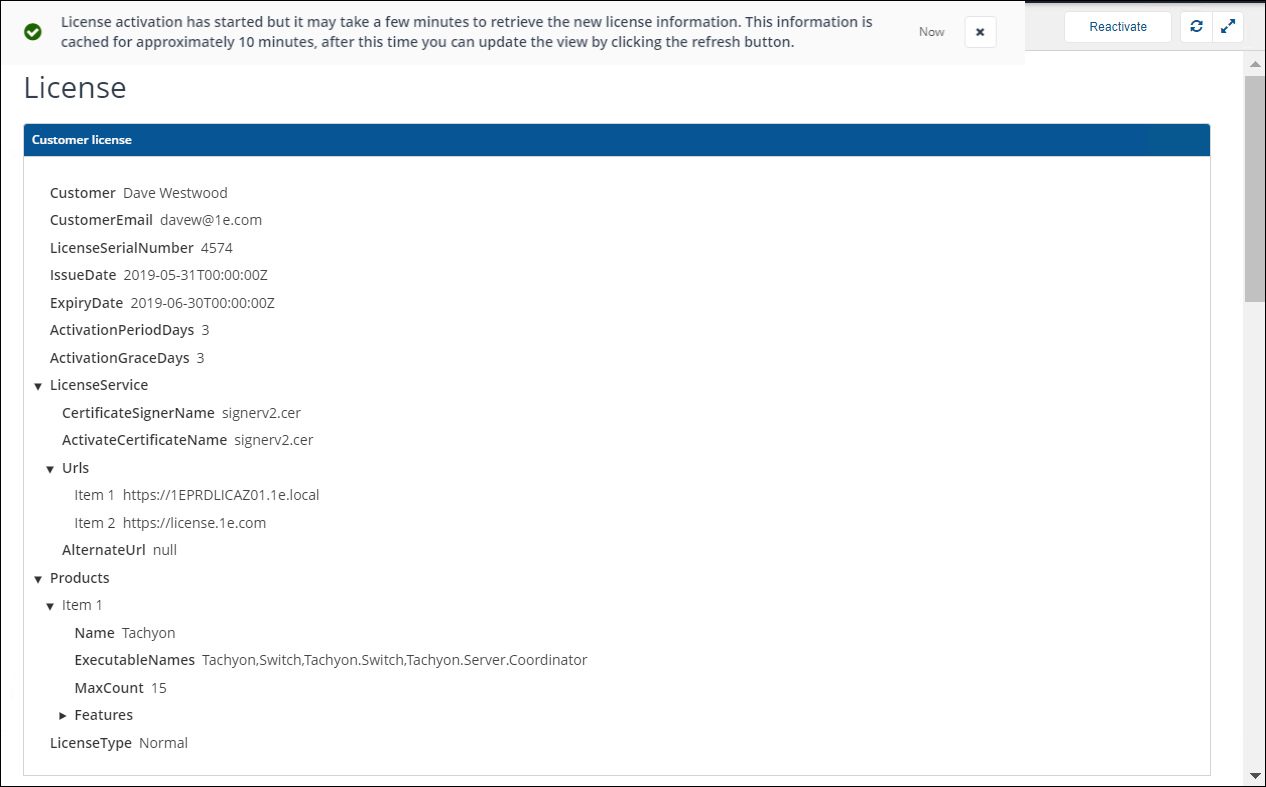
| License information shows details of the current license status and lets you reactivate your license if any changes have been made. In the Products section, under Features, you can see which consumers you are able to use, and which type of instructions you can run according to their prefix pattern.
Reactivating licenses
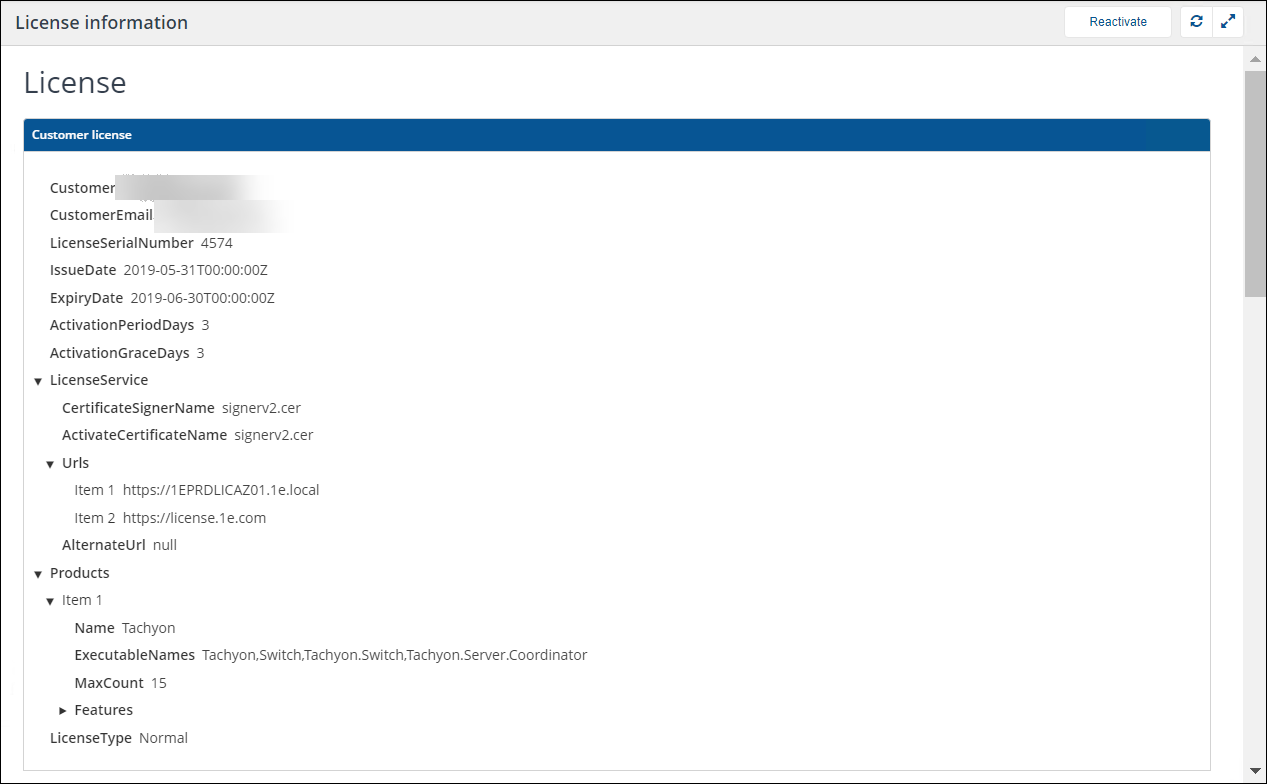
You can reactivate a license after it has been updated by 1E by clicking Reactivate. It takes a few minutes to retrieve the new license information and the page caches its displayed information for around 10 minutes. After this time you can update the view by clicking Refresh, which updates the information displayed on the page and in the lower right-hand corner of the browser.