Login Acknowledgement
Enable this setting to show the latest terms and conditions at every sign-in. Users must accept them before accessing the 1E Platform.
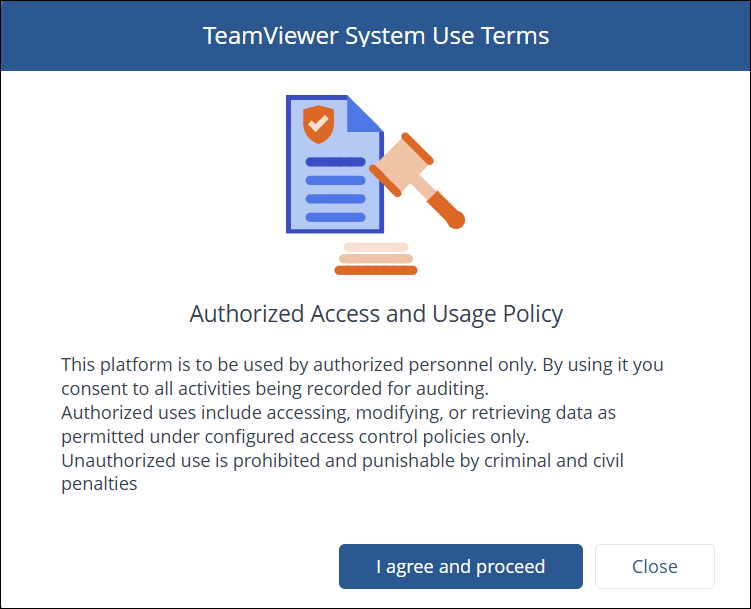
Admin users can enable or disable mandatory login acknowledgement. When enabled/disabled, a success message confirms the change.

If the login acknowledgement is optional, then a visible Terms & Conditions link is displayed below the login button. Clicking the link opens a pop-up containing the full Terms & Conditions content.
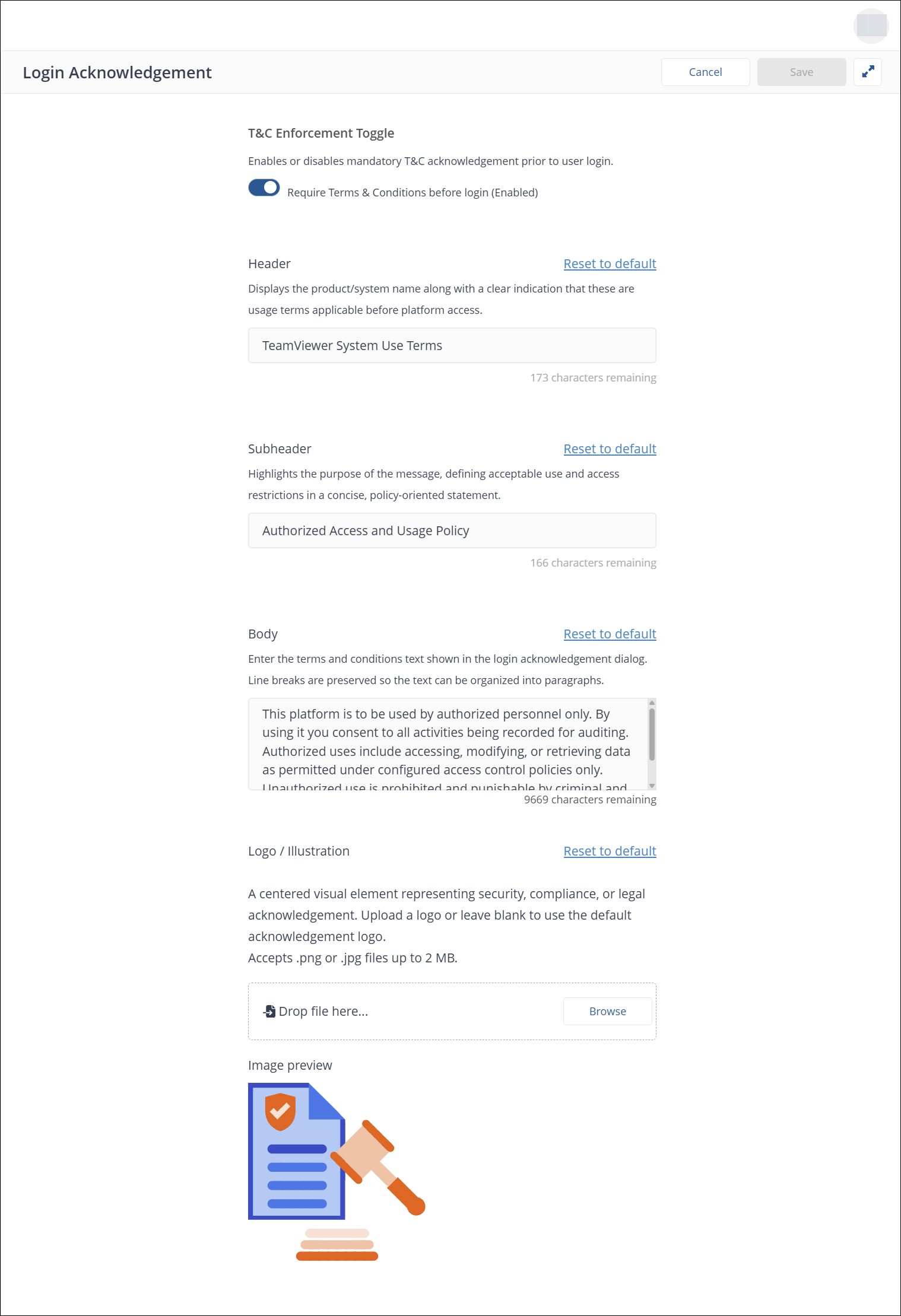
Admin users can configure the acknowledgment Header, Subheader, Body, and Logo from this setting menu as shown below. Validation and reset-to-default functionality are provided to ensure configuration accuracy and ease of maintenance.