DEX Platform and Solutions 26.2 release notes
 Schedule
The schedule is subject to change. When changes are made to the original schedule, they are indicated in red. Please check the TeamViewer Status Page for regular updates.
DEX Platform
|
Region |
Date |
Time from (UTC) |
Time to (UTC) |
|---|---|---|---|
|
CanadaCentral1 |
Monday, February 23, 2026 |
9 AM |
12 PM |
|
NorthEurope1 |
Tuesday, February 24, 2026 |
12 PM |
3 PM |
|
WestUS1 |
Wednesday, February 25, 2026 |
9 AM |
12 PM |
|
UKSouth1 |
Wednesday, February 25, 2026 |
7 PM |
10 PM |
|
EastUS1 |
Thursday, February 26, 2026 |
9 AM |
12 PM |
|
WestEurope1 |
Thursday, February 26, 2026 |
6 PM |
9 PM |
Solutions
|
Region |
Date |
Time from (UTC) |
Time to (UTC) |
|---|---|---|---|
|
CA-Central-1 |
Monday, February 23, 2026 |
10 AM |
12 PM |
|
EU-West-1 |
Wednesday, February 25, 2026 |
4:30 AM |
6:30 AM |
|
US-East-1 |
Thursday, February 26, 2026 |
10 AM |
12 PM |
Investigation enhancements
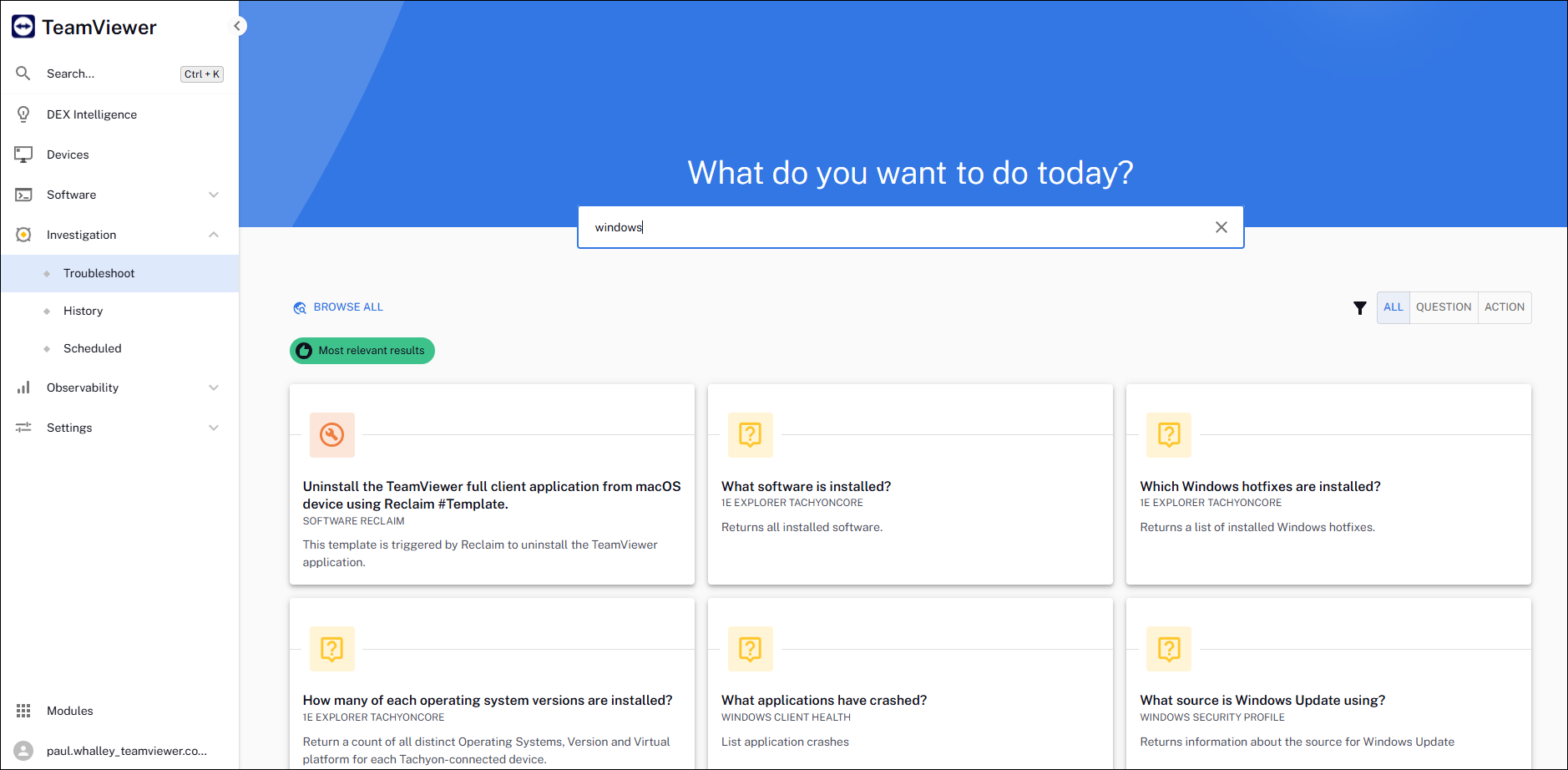
As part of the ongoing modernization of the TeamViewer DEX platform, the new UI introduces expanded investigation capabilities. The updated Investigation area now includes the following enhancements:
-
Troubleshoot: Search for, run, or schedule device instructions directly from the console.
-
History: Review a chronological log of all instructions previously sent to devices.
-
Scheduled: View and manage all instructions that are currently scheduled for future execution.
For more information, refer to Home page, questions, and responses.
We will continue moving Endpoint Troubleshooting capabilities (such as Approvals) to the new UI over upcoming Platform releases.
Logo branding update
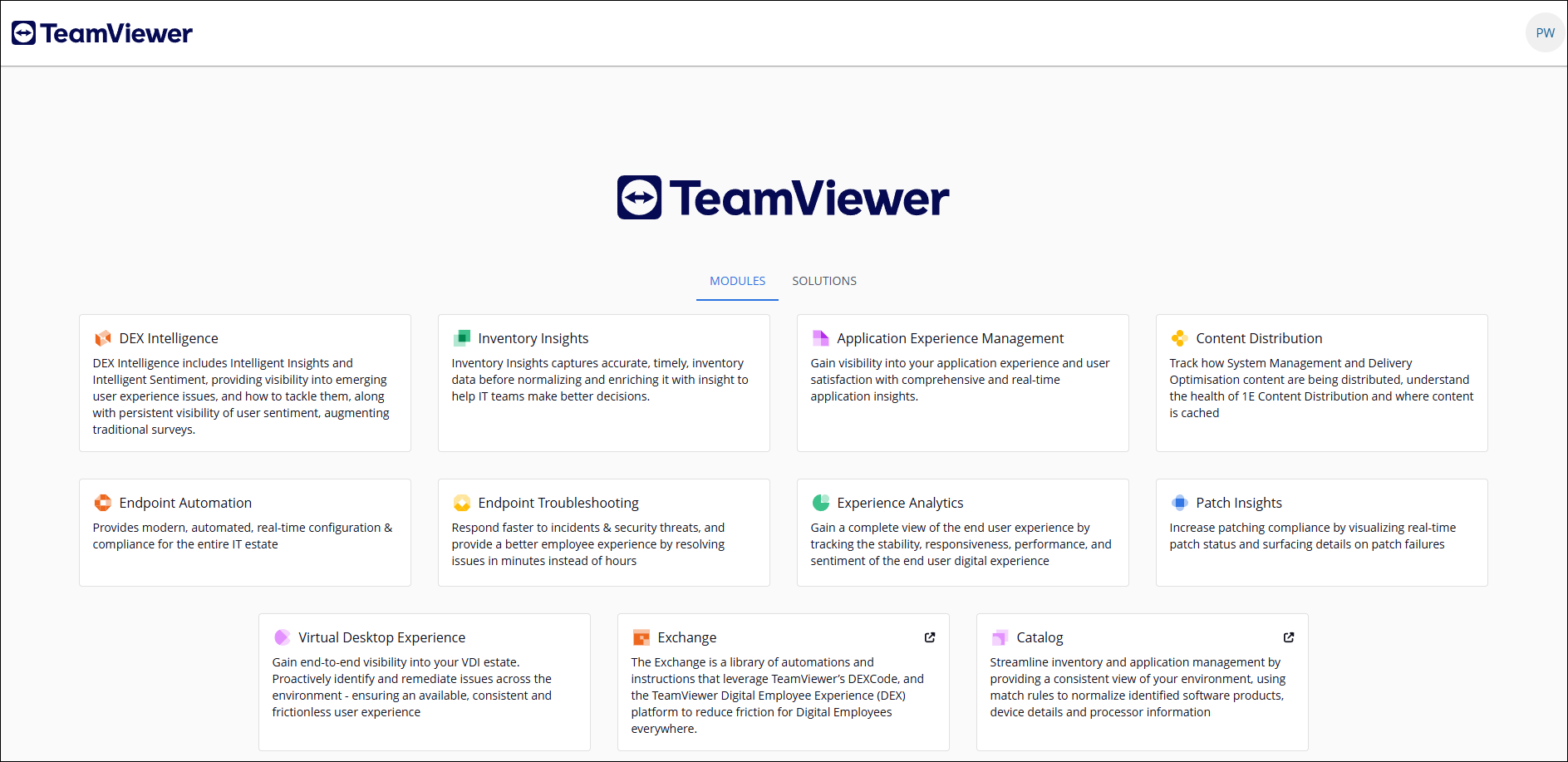
The DEX Platform logo has now been updated to TeamViewer within:
-
Platform and Solutions.
-
Email notifications (for example, instruction approvals).
Customer logos in place prior to 26.2 will continue to take precedence.
What's coming?
Notifications update
In the next release (26.3), the email address used by the Platform to send system notifications (such as instruction approvals and certificate renewal alerts) will be updated.
-
Current sender address: smtprelay@1e.com
-
New sender address: no-reply@notifications.teamviewer.com
To ensure continued delivery of Platform notifications, customers should verify that the new sender address is allowed within their organization’s email security and not blocked or restricted.
Versions and support
Applications and tools
Please review the list of supporting applications and tools, as it may change with each release. Associated resources can be downloaded from the TeamViewer Support Portal.
|
Applications and tools |
Updated with this release |
Versions supported with this release |
|---|---|---|
|
Client Deployment Assistant |
|
26.1.0.3 |
|
TIMS |
|
26.1.0.35 |
|
Content Distribution Tools |
|
26.1.0.8 |
|
PXE Everywhere |
|
26.1.0.4 |
|
1E SDK |
|
26.1.0.11695 |
|
1E Toolkit |
|
24.7.0.2 |
|
Product Pack Deployment Tool |
|
24.12.0.12256 |
|
1E PowerShell Toolkit |
|
1.2.33 |
|
DataSync Agent |
|
1.3.0.28 |

Other improvements and fixes
For a new instance, DEX packs are pre‑loaded. If you are using an upgraded instance, you must download the latest DEX packs from the Exchange.
|
Type |
Product/Client |
Issue ID |
Summary |
|---|---|---|---|
|
Fix |
Management Group Service |
PLAT-24323 |
We resolved an issue where some Windows 24H2 devices were not being included in Management Groups using the Device OS contains 24H2 criteria, even though their OS details were reported correctly. |
|
Enhancement |
Solutions |
DEXSOL-1763 |
We enhanced in‑product messaging within Software Reclaim > Rules Management to clearly highlight and explain rule conflicts that occur as a result of archiving actions. This update makes it easier for administrators to identify issues and resolve configuration conflicts quickly. Refer to Using Software Reclaim. |
|
Fix |
Platform |
PLAT-10444 |
We resolved an issue that caused an error when users with restricted permissions created Sentiment surveys; these surveys are now saved correctly without showing an error. |
|
Fix |
Intelligence |
PLAT-24686 |
We resolved an issue that prevented DEX Intelligence from processing device data for some tenants, causing Intelligence Insights not to update as expected. |
|
Fix |
1E PowerShell Toolkit |
PLAT-24430 |
We resolved an issue where the PowerShell Toolkit cmdlet Set-1ESLADirectManagementGroup could intermittently fail with a (401) Unauthorized error when updating Management Groups. These updates now run successfully and consistently. |
|
Enhancement |
Solutions |
DEXSOL-1762 |
We updated the Delete terminology to Archive in the Software Reclaim > Rules Management UI to better reflect the feature’s behavior. Refer to Using Software Reclaim. |