Using the Platform for the first time
 |
| 
Step through your first-time setup of the Platform. Learn how to sign in via Microsoft Entra ID or Okta, access the portal, set up permissions and upload DEX Packs to extend functionality. Practical guidance for IT pros getting started with provisioning and instruction automation.
 Signing in using your External Identity Provider
On navigating to the Platform URL, you will be presented with some additional sign in screens that integrate with your IdP.
Signing in with Microsoft Entra ID
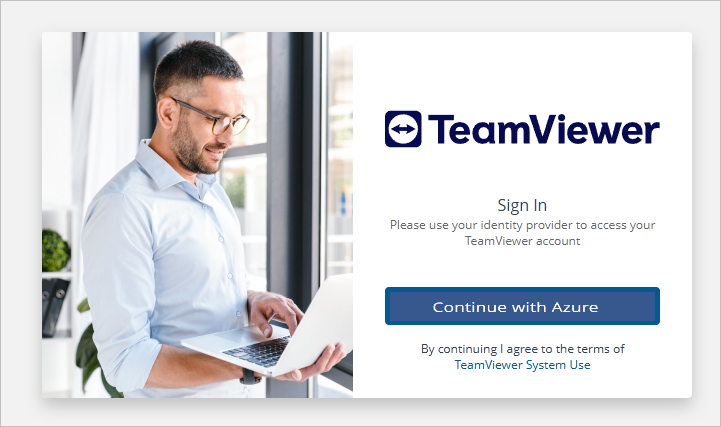
If your IdP is Microsoft Entra ID, you will be prompted with a modal similar to the one in the following steps.
-
Click on Login with Azure to continue.
-
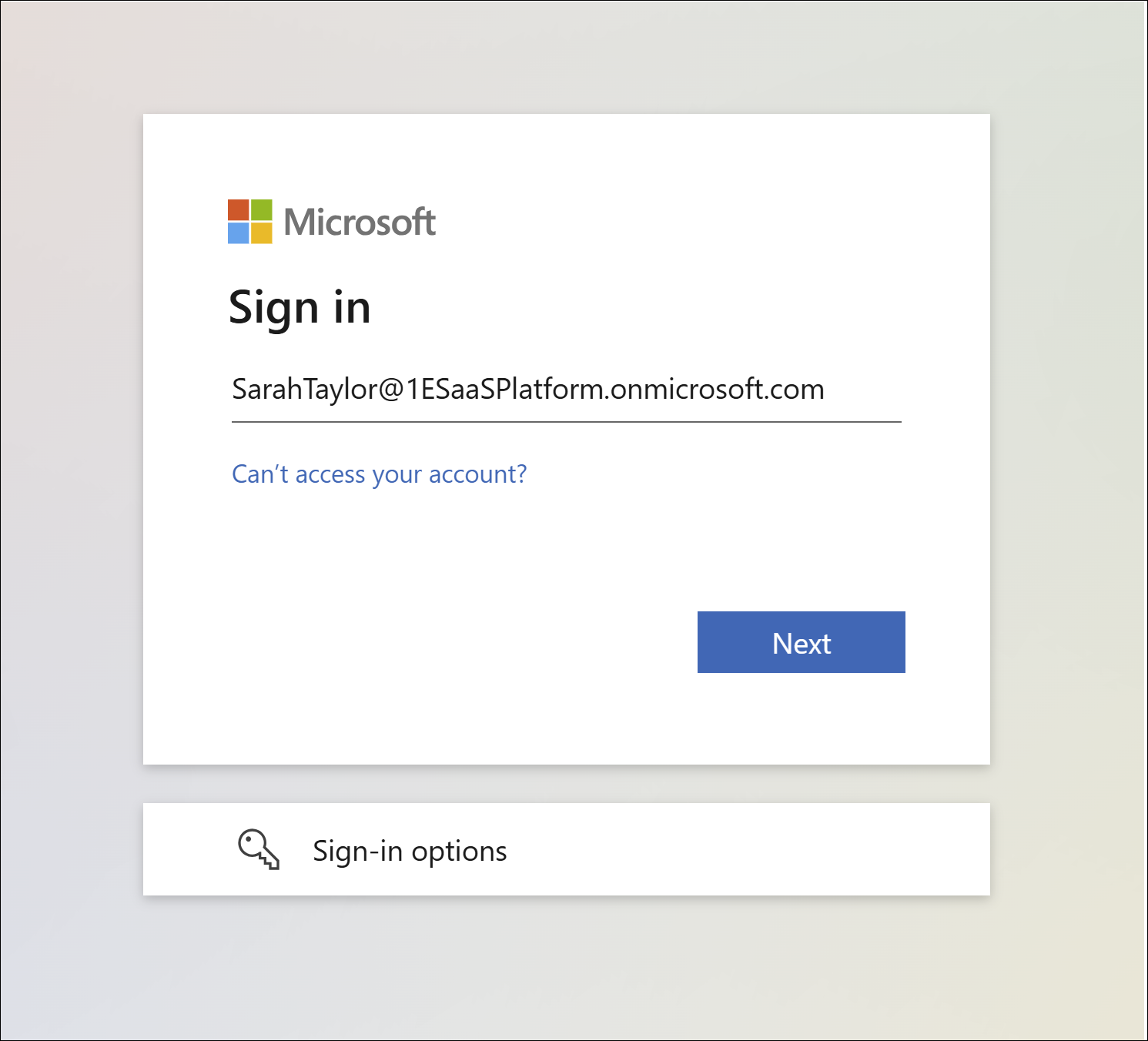
You will then be prompted with the normal Azure login.
-
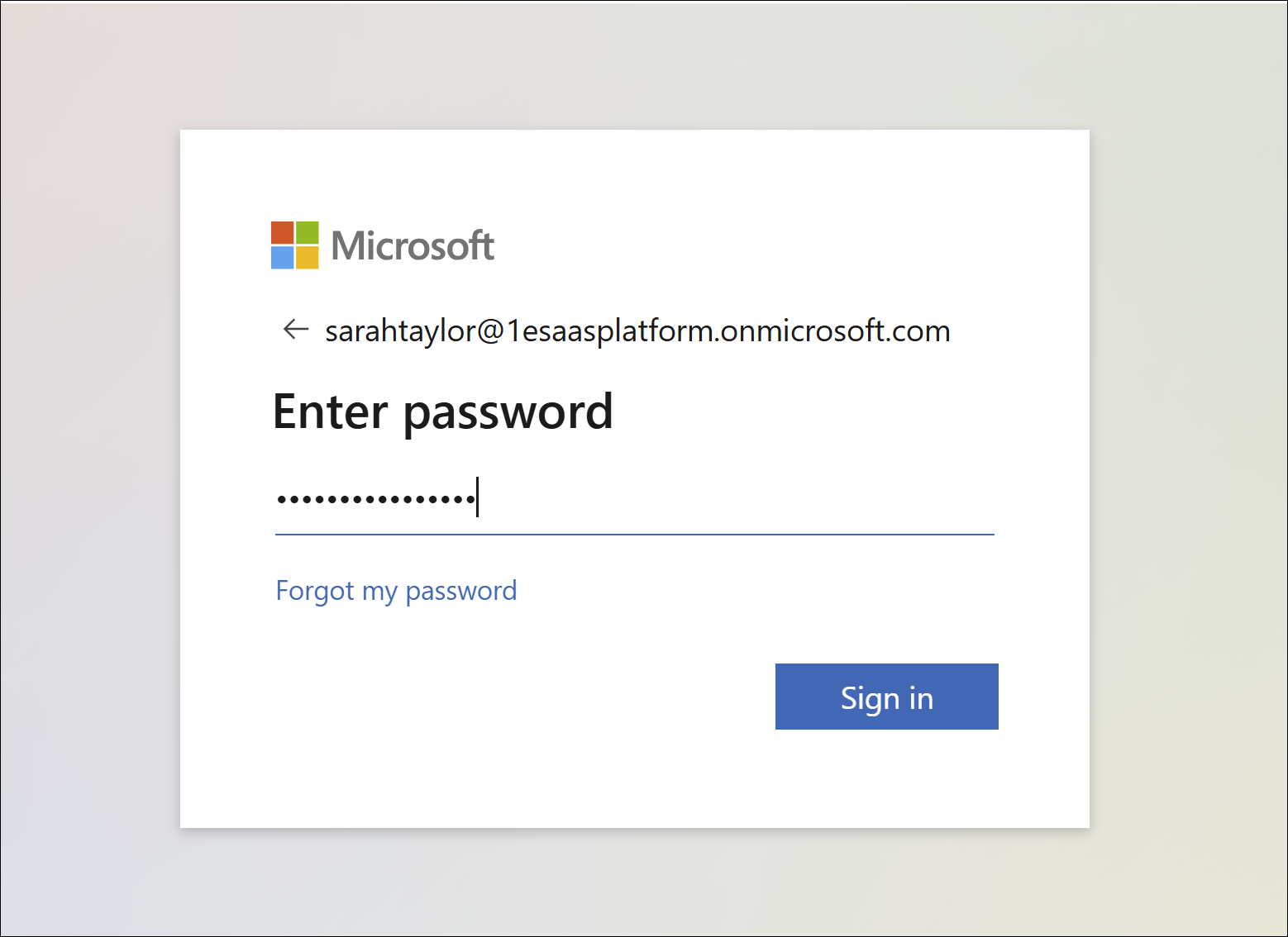
After clicking Next the Azure password dialog is shown.
Signing in with Okta
The sign in screen for the Platform configured for use with Okta looks like this:
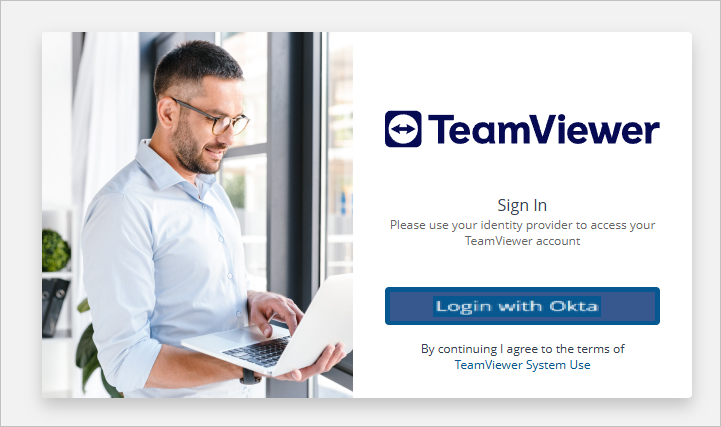
Click on Login with Okta to continue.
You will then be prompted with the normal Okta login asking for your username and password:
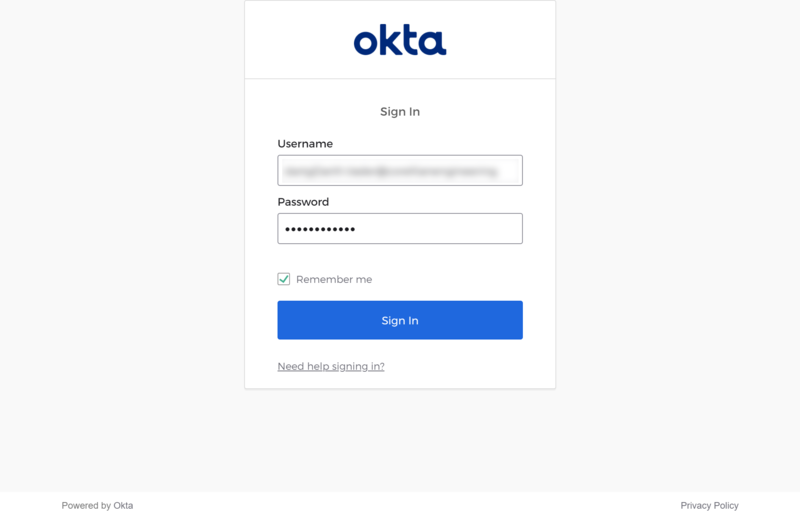
After clicking Sign In your Okta credentials will be checked and if they are correct, the Platform home page will be displayed.
Accessing the portal
As the Principal user you will have access to all licensed applications.
From here you should navigate to Settings > Permissions > Users and Groups and start adding the Users and Groups from your IdP that you want permission in the Platform. Refer to Users and Groups.
Uploading DEX Packs
DEX Packs are no longer installed out of the box. You can find new and updated DEX Packs on the TeamViewer DEX Hub.
DEX Packs to help you improve your organization’s digital employee experience, improve endpoint security, and provide business value. Leverage these proven and tested automation processes and quickly implement them in your environment. The TeamViewer DEX Hub is a library of automations and instructions that leverage the Simple Cross-platform Agent Language for Extensibility (SCALE), and the Platform to reduce friction for Digital Employees everywhere.
You can upload DEX Packs using any of the following options:
-
1E Product Pack Deployment Tool (PPDT) which you can download from the TeamViewer DEX Support Portal.
-
Directly into 1E Platform using Settings > Instructions > Instruction Sets, refer to Instructions
-
Using the 1E PowerShell Toolkit.
Refer to 1E DEX Packs reference